> For the complete documentation index, see [llms.txt](https://helpv2.nobi.pro/llms.txt). Markdown versions of documentation pages are available by appending `.md` to page URLs; this page is available as [Markdown](https://helpv2.nobi.pro/nobi-chat/setting/connect/zalo-oa.md).
# Zalo OA
To connect Zalo OA to the Nobi Pro system, please follow the instructions below.
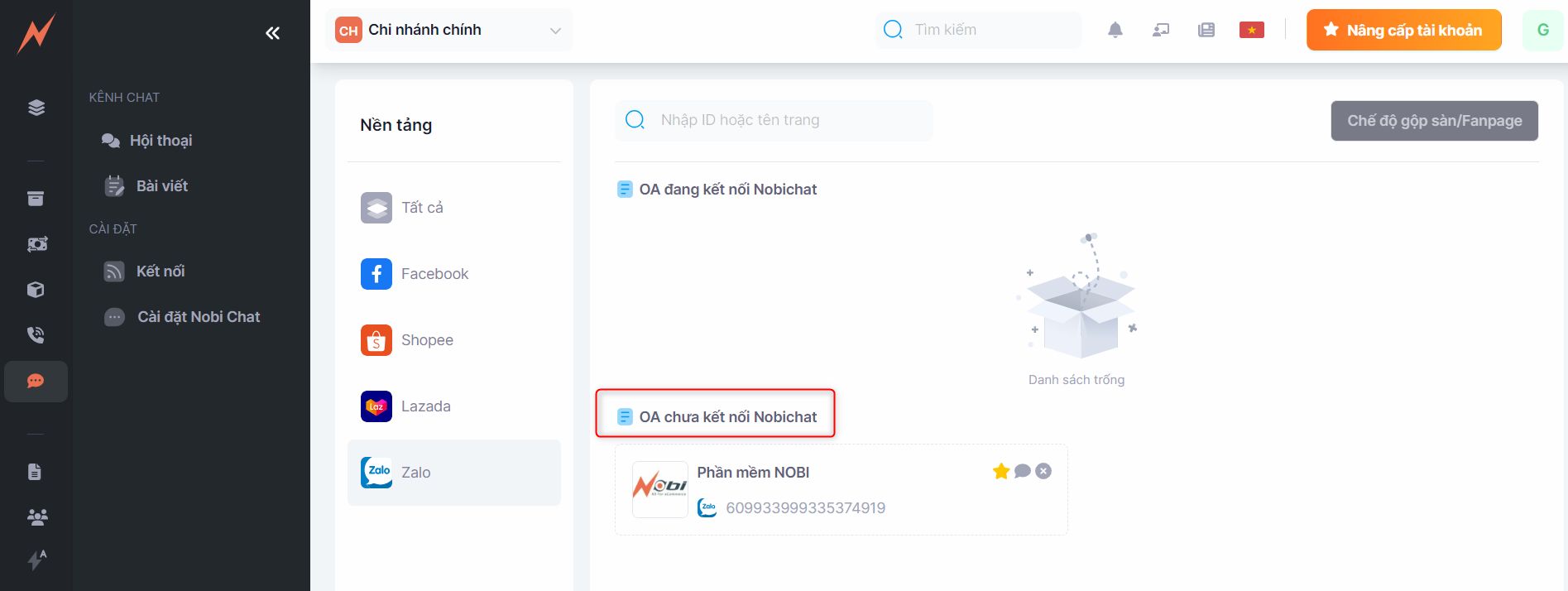
Step 1: Access to **Nobi Chat** -> **Connect -**> Click **Zalo OA**
Step 2: Click **Add Connection**
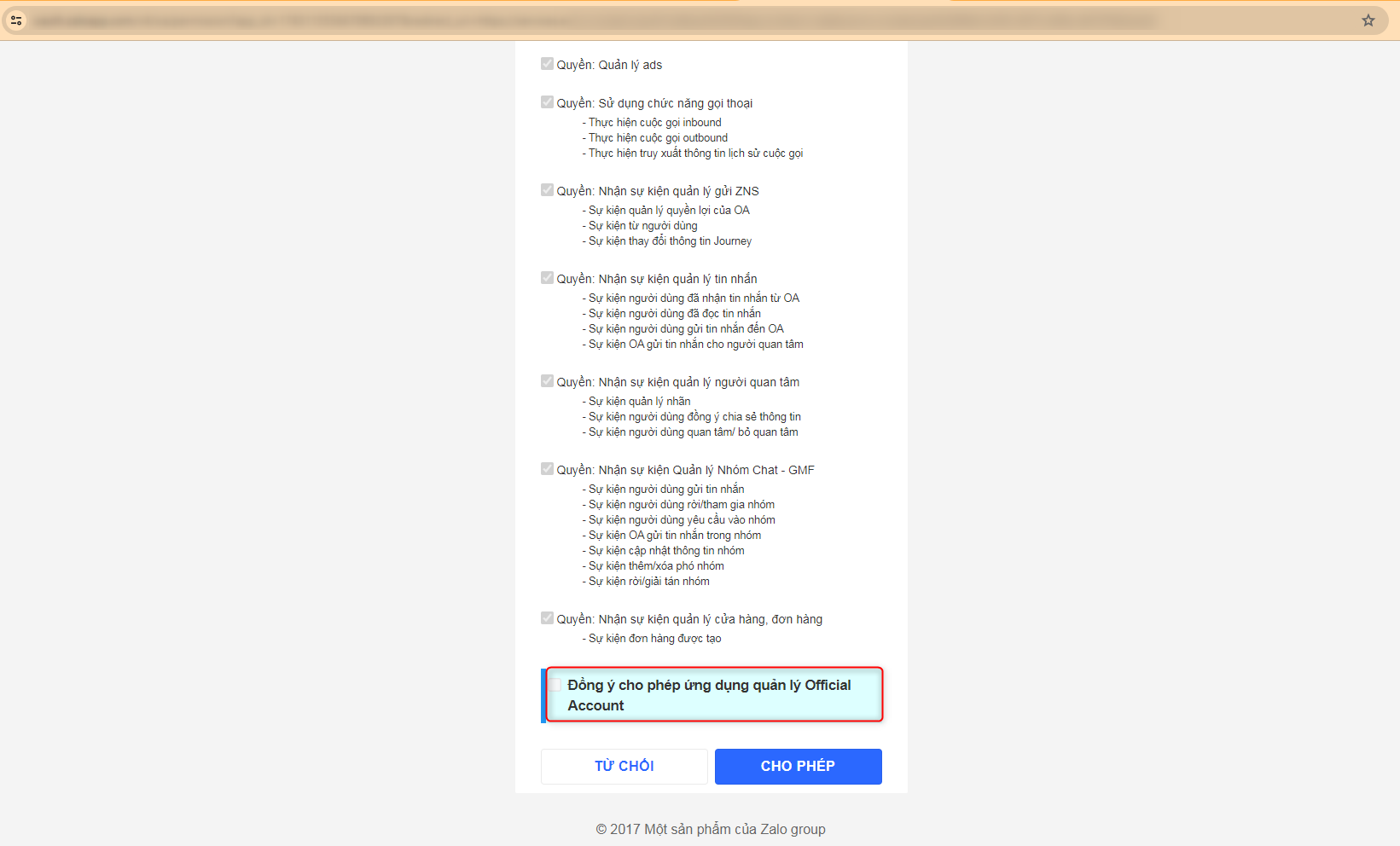
Step 3: Check to allow the **App to manage Official Account ->** Click **Allow.**
At this time, Zalo OA has been connected to the Nobi Pro system. On this screen, to connect Shopee to Nobi Chat, you need to click on the "Connect Chat" button.
To remove Zalo OA from the system, you just need to click on the (X) button behind each Shop.